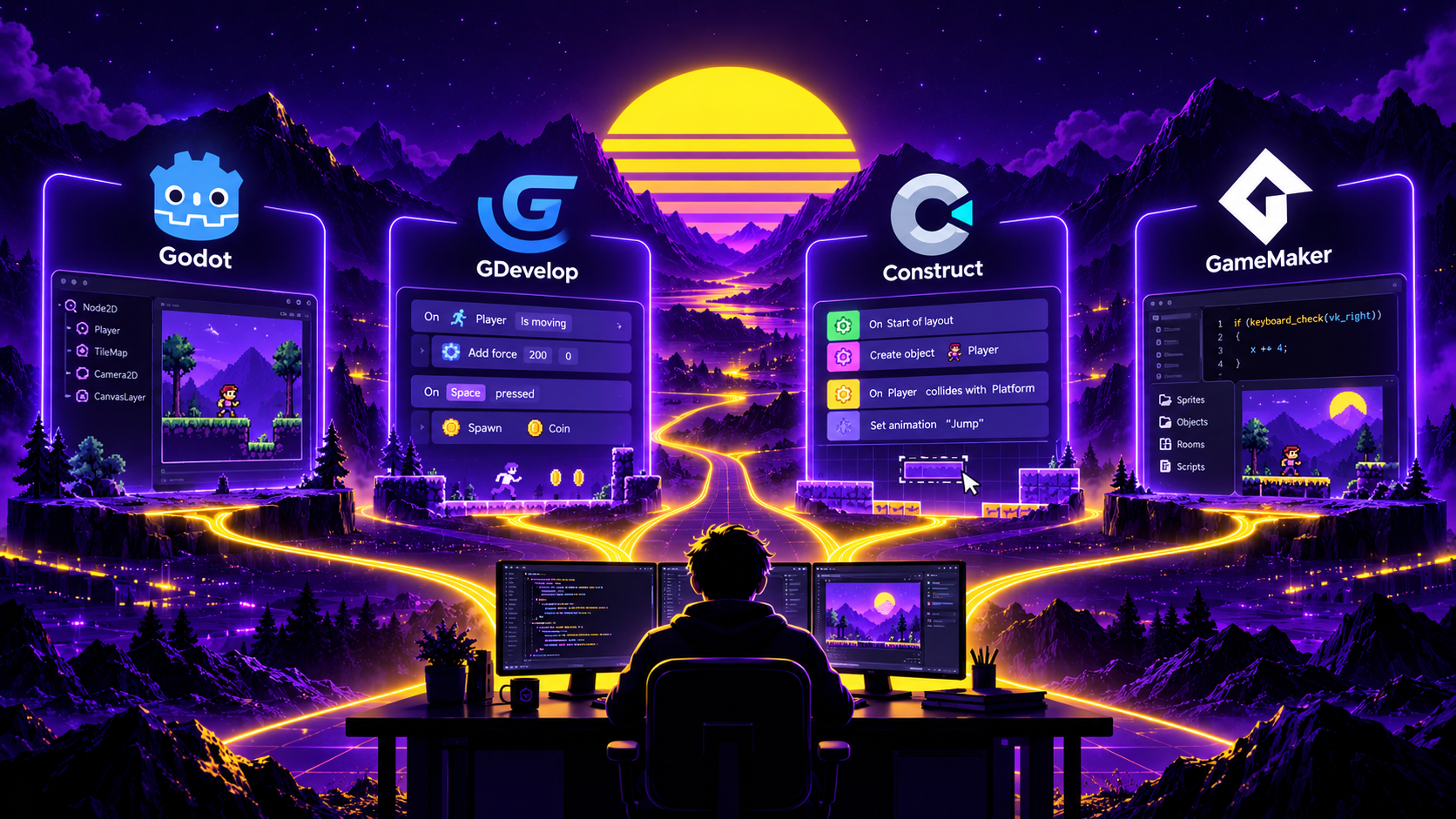
| Engine | Best fit | Logic model | Control and export |
|---|---|---|---|
| Godot | Builders who want a full 2D/3D engine and are willing to learn engine concepts. | GDScript, C#, and extension options. | MIT-licensed and open source; official export paths include desktop, Android, iOS, and web. |
| GDevelop | Fast 2D/3D prototypes and small releases without starting in code. | No-code event system, behaviors, plus JavaScript extension. | Open-source engine; official one-click paths cover web, mobile, and desktop, with plan/tooling details varying by target. |
| Construct | Browser-first 2D work and creators who think clearly in event sheets. | Event sheets, with JavaScript and TypeScript available. | Exports to web, mobile wrappers, and desktop wrappers; project copies can be downloaded. |
| GameMaker | Focused 2D games where a mature purpose-built workflow matters. | GML Visual or GML Code. | One project can target multiple platforms; available targets and commercial terms should be confirmed for your release. |
If ownership and a conventional project matter: Godot
Godot is the strongest default here for builders who want an open-source engine, local project files, and room to grow from a small 2D game into more custom systems. The tradeoff is that you are learning an engine, not merely arranging behaviors.
If visual events help you move: GDevelop or Construct
GDevelop’s no-code event system, built-in behaviors, and open-source base make it a fast route to a playable result. Construct’s event sheets are also a powerful alternative to traditional programming, and its browser-based editor makes the start unusually frictionless. Try the same mechanic in both; the event model that stays readable after the prototype is the better fit.
If the project is resolutely 2D: GameMaker
GameMaker is designed primarily for 2D work and offers both visual actions and its own scripting language. That focus can be an advantage when a solo developer does not need a general-purpose 3D engine.
A practical one-evening test
- Build player movement, one enemy, one score state, one restart flow, and one export.
- Close the project, reopen it, and change the rules without a tutorial.
- Inspect what you can back up locally and what the target platform requires.
- Choose the tool that leaves enough energy for art, sound, polish, store work, and finishing.
For a concrete example of that finish-first process, read the YCBT build note: Building a tetromino-style mobile game with AI.
Current product facts checked July 29, 2026 against Godot’s introduction, Godot’s licensing FAQ, Godot’s export guide, GDevelop’s official feature reference, Construct’s event documentation, Construct’s publishing documentation, and GameMaker’s official introduction.